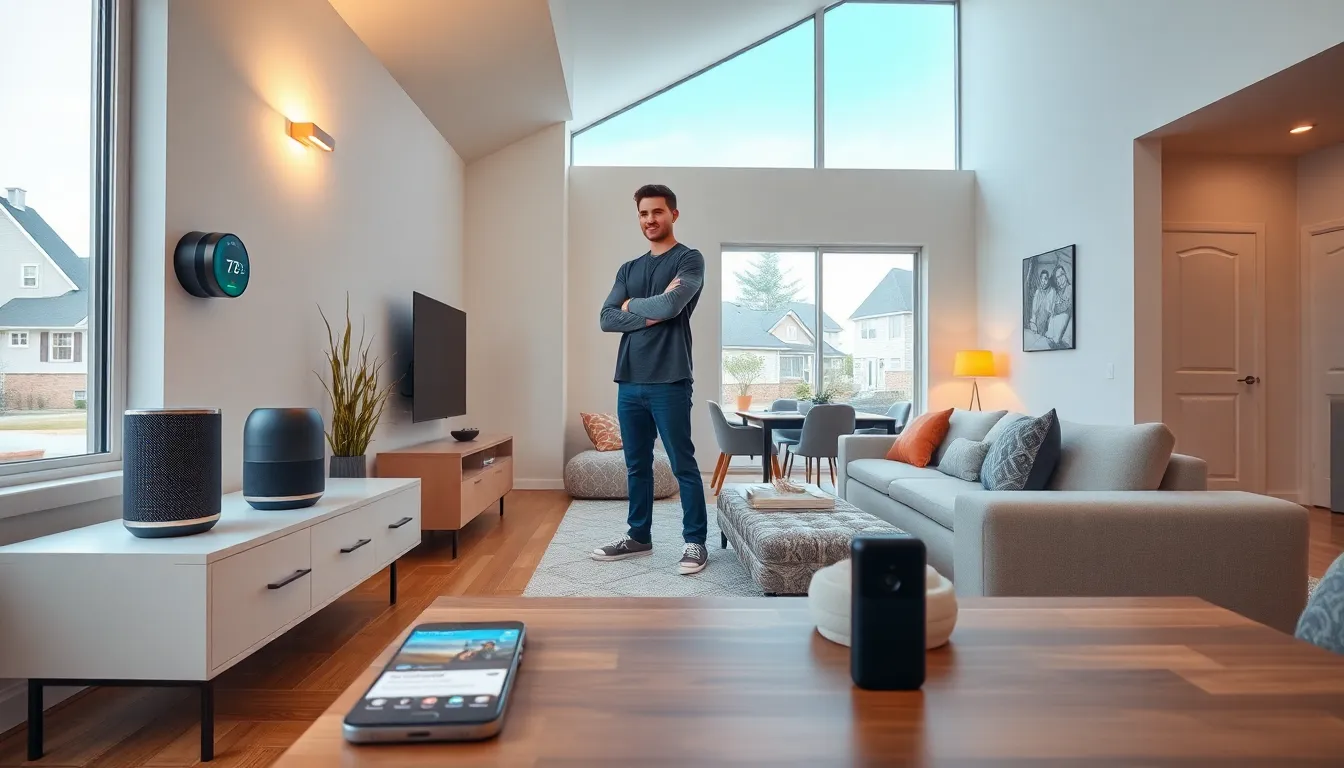
Smart home tech transforms ordinary houses into connected, automated living spaces. These devices communicate with each other and respond to user commands through voice, apps, or automated routines. The smart home market reached $121 billion globally in 2024, and adoption continues to grow as prices drop and technology improves.
Whether someone wants to control their lights with voice commands or monitor their home security from a phone, smart home technology makes it possible. This guide explains how smart home tech works, the most popular device categories, key benefits, potential drawbacks, and how to start building a connected home.
Table of Contents
ToggleKey Takeaways
- Smart home tech connects devices through Wi-Fi, Bluetooth, Zigbee, or Z-Wave to automate everyday tasks like lighting, security, and climate control.
- Popular smart home devices include smart speakers, thermostats, video doorbells, smart locks, and smart plugs—all controllable via voice or app.
- Smart thermostats alone can reduce energy bills by 10-15% by learning household patterns and optimizing heating and cooling automatically.
- Start building your smart home by choosing an ecosystem (Alexa, Google, or Apple), then add affordable devices like smart plugs or bulbs before expanding.
- Privacy and security require attention—use strong passwords, enable two-factor authentication, and keep device firmware updated to protect your connected home.
- The Matter standard is improving compatibility between different smart home tech brands, making it easier to mix devices across ecosystems.
How Smart Home Technology Works
Smart home tech relies on three core components: devices, connectivity, and control systems.
Devices are the physical products that perform specific functions. A smart thermostat adjusts temperature. A smart lock secures doors. A smart speaker plays music and responds to voice commands.
Connectivity links these devices together. Most smart home tech uses Wi-Fi, Bluetooth, Zigbee, or Z-Wave protocols to communicate. Wi-Fi connects devices directly to a home network. Zigbee and Z-Wave use mesh networks where devices relay signals to each other, extending range and improving reliability.
Control systems let users manage their smart home tech. This includes smartphone apps, voice assistants like Amazon Alexa, Google Assistant, or Apple Siri, and central hubs that coordinate multiple devices.
The magic happens when these elements work together. A user might say “Good night” to their voice assistant. That single command triggers a routine: doors lock, lights turn off, the thermostat adjusts to sleeping temperature, and the security system arms. Smart home tech automates these tasks through rules, schedules, or sensor triggers.
Cloud servers often process commands and store data, though some smart home tech operates locally for faster response times and better privacy.
Common Types of Smart Home Devices
Smart home tech spans dozens of product categories. Here are the most popular options for beginners.
Smart Speakers and Displays
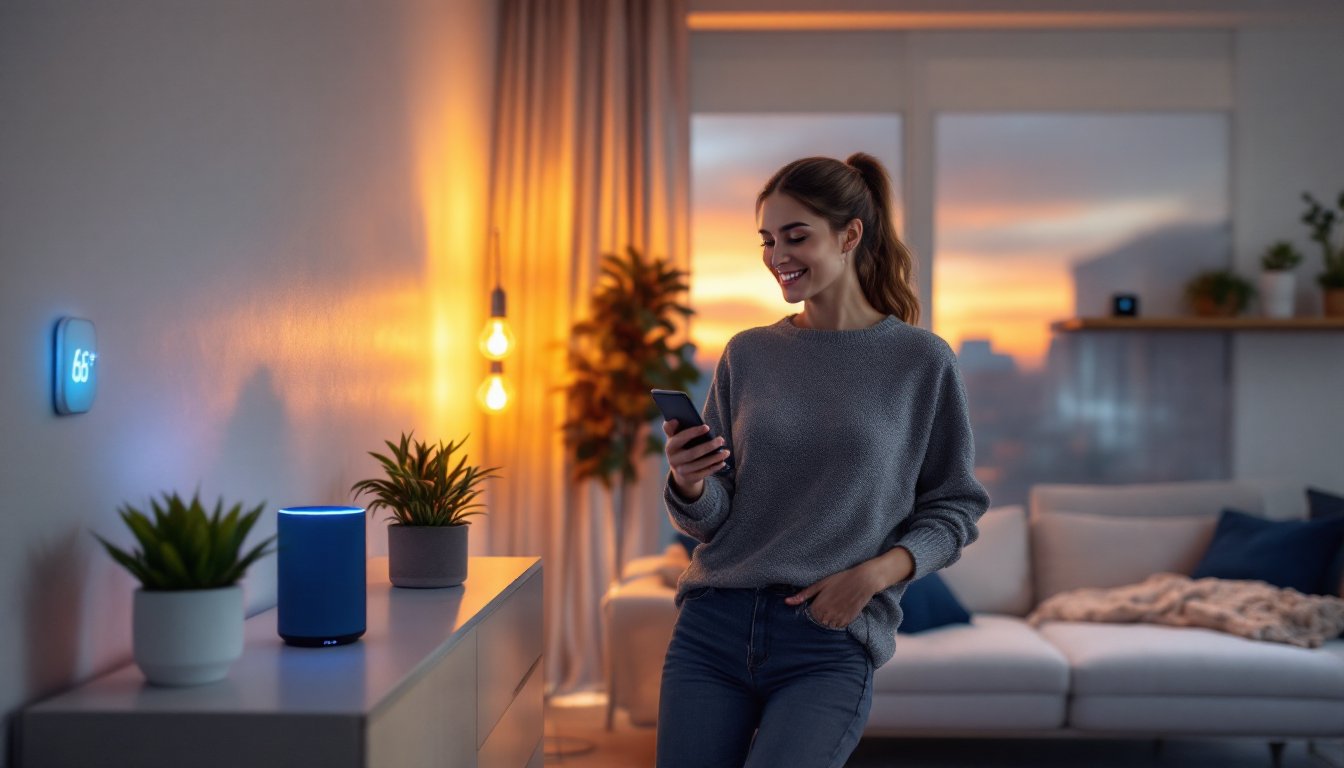
Smart speakers serve as the voice-controlled hub of many smart homes. Amazon Echo, Google Nest, and Apple HomePod respond to voice commands, answer questions, play music, and control other smart home tech. Smart displays add screens for video calls, recipe instructions, and security camera feeds.
Smart Lighting
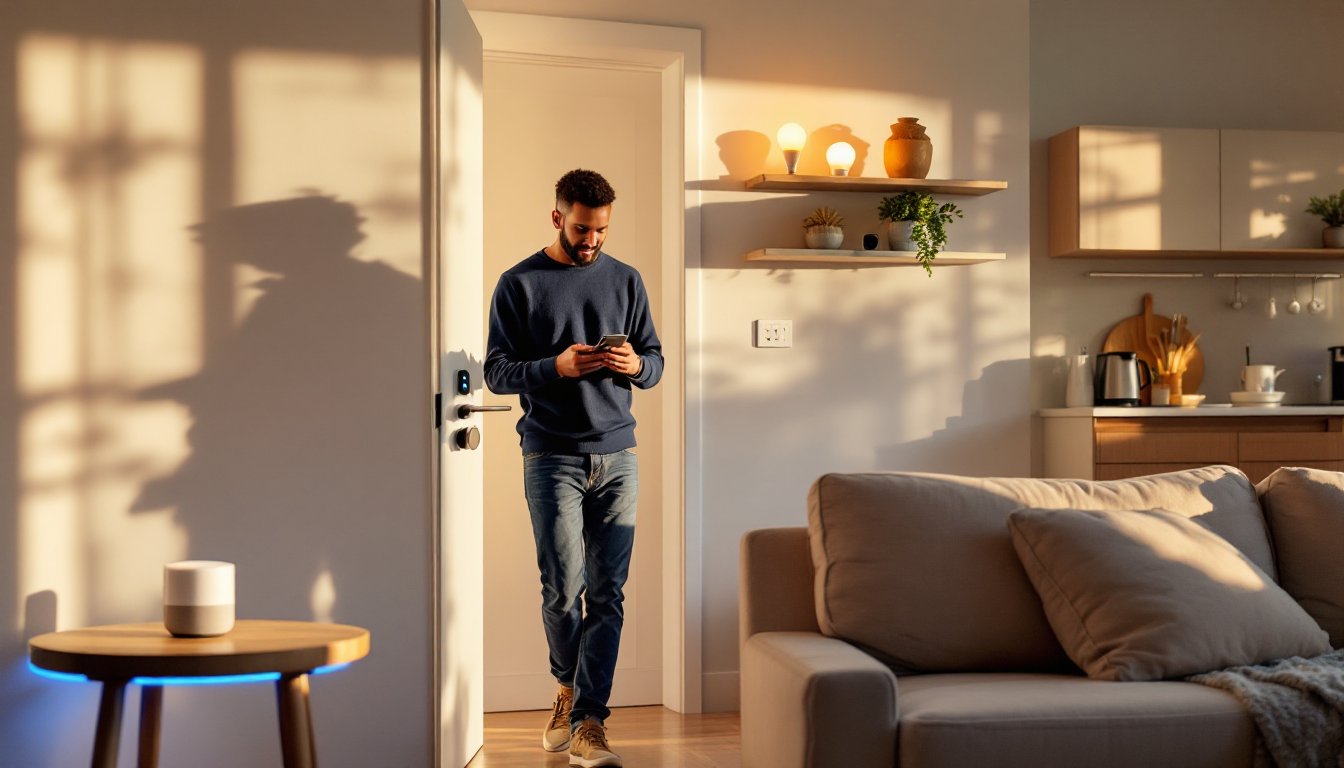
Smart bulbs and switches let users control lights remotely, set schedules, and adjust brightness or color. Philips Hue, LIFX, and Wyze offer popular options at various price points. Some smart home tech in this category works without a hub, while others require one.
Smart Thermostats
Devices like Nest, Ecobee, and Honeywell learn household patterns and optimize heating and cooling automatically. Smart thermostats can reduce energy bills by 10-15% according to manufacturer estimates.
Smart Security
This category includes video doorbells (Ring, Nest), security cameras, smart locks, and motion sensors. Users can monitor their property remotely and receive instant alerts when activity occurs.
Smart Plugs and Switches
These affordable devices turn ordinary appliances into smart home tech. Plug a lamp or fan into a smart plug, and it becomes controllable via app or voice.
Smart Appliances
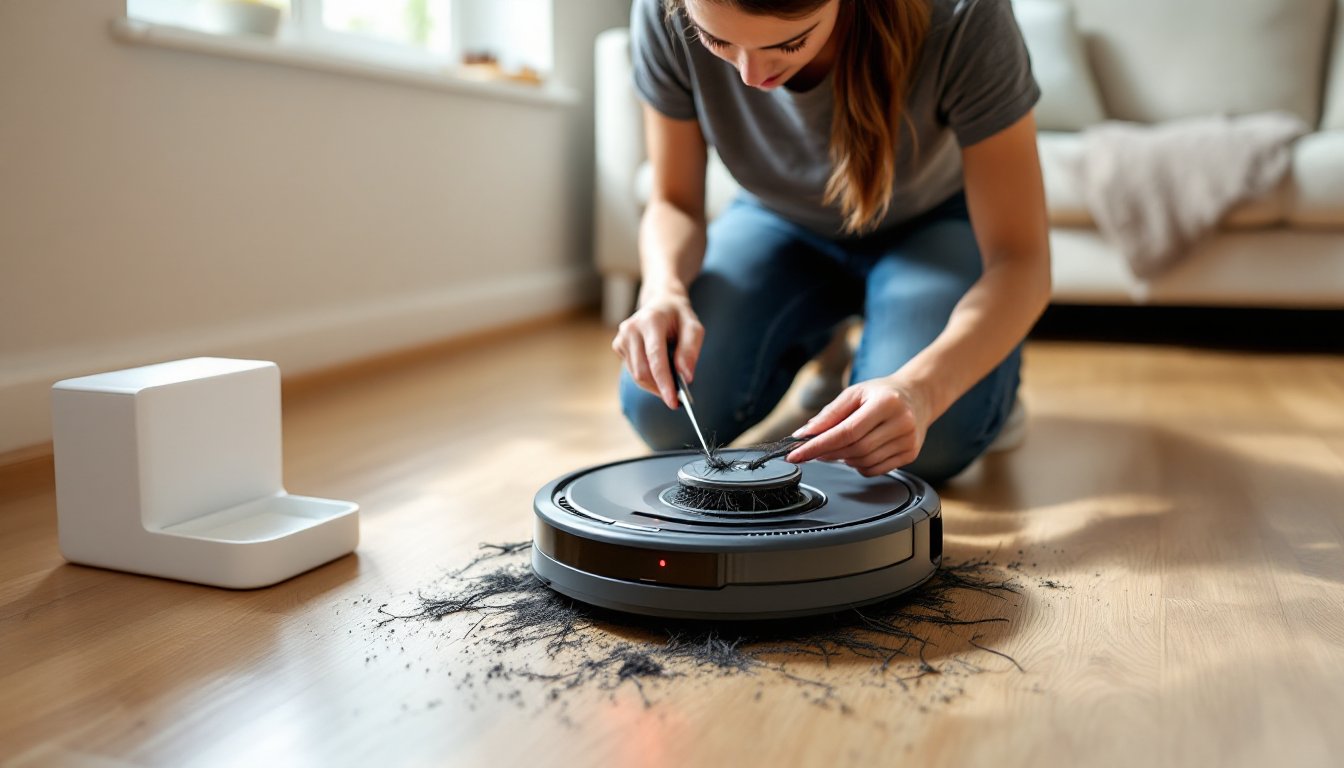
Refrigerators, washing machines, ovens, and vacuum cleaners now come with smart features. Robot vacuums from iRobot, Roborock, and Ecovacs clean floors on schedule without human intervention.
Benefits of Using Smart Home Tech
Smart home tech delivers practical advantages that improve daily life.
Convenience stands out as the primary benefit. Controlling devices with voice commands or a single app eliminates the need to manually adjust settings throughout the house. Automation handles repetitive tasks automatically.
Energy efficiency saves money. Smart thermostats optimize heating and cooling. Smart lighting turns off in empty rooms. Smart plugs eliminate phantom power drain from idle devices. These small savings add up over time.
Security improves with smart home tech. Video doorbells let homeowners see who’s at the door from anywhere. Smart locks provide keyless entry and activity logs. Motion sensors and cameras detect unusual activity and send immediate alerts.
Accessibility increases for people with mobility challenges. Voice control eliminates the need to reach light switches or walk to thermostats. Automated routines reduce physical demands.
Remote monitoring provides peace of mind. Parents can check if kids arrived home safely. Travelers can verify that doors are locked and appliances are off. Pet owners can watch their animals through indoor cameras.
Property value may increase. Real estate studies suggest that smart home tech appeals to buyers, particularly younger generations who expect connected features.
Potential Drawbacks to Consider
Smart home tech isn’t perfect. Understanding the downsides helps buyers make informed decisions.
Privacy concerns exist. Smart devices collect data about daily habits, voice recordings, and home activity. This information typically lives on company servers. Users should review privacy policies and adjust settings to limit data collection where possible.
Security vulnerabilities can occur. Any internet-connected device creates a potential entry point for hackers. Weak passwords, outdated firmware, and insecure networks increase risk. Strong passwords, regular updates, and network segmentation reduce exposure.
Compatibility issues frustrate many users. Not all smart home tech works together seamlessly. Different ecosystems (Amazon, Google, Apple) have varying levels of cross-compatibility. The new Matter standard aims to improve this situation, but adoption takes time.
Internet dependency limits functionality. Many smart devices require an internet connection to work. When the connection drops, some smart home tech becomes non-responsive or loses advanced features.
Cost adds up quickly. While individual devices may seem affordable, building a comprehensive smart home requires significant investment. Premium brands and professional installation increase expenses further.
Complexity can overwhelm beginners. Setting up automations, troubleshooting connectivity issues, and managing multiple apps requires patience and technical comfort.
Getting Started With Your Smart Home
Building a smart home doesn’t require a massive upfront investment. Starting small and expanding gradually works best for most people.
Choose an ecosystem first. Amazon Alexa, Google Home, and Apple HomeKit each offer strengths and limitations. Consider which voice assistant already exists in the household (via phone or other devices) and check device compatibility before purchasing.
Start with high-impact, low-cost devices. Smart plugs cost under $15 and instantly add smart functionality to existing lamps and appliances. Smart bulbs offer another affordable entry point. These purchases teach the basics of smart home tech without major commitment.
Add a smart speaker or display. A voice-controlled hub makes the entire smart home tech experience more seamless. Voice commands feel faster and more natural than opening apps for every adjustment.
Expand based on priorities. Someone focused on energy savings might add a smart thermostat next. Security-minded users might prioritize a video doorbell or smart lock. There’s no single correct path.
Set up automations gradually. Once multiple devices exist in the home, create simple routines. A morning routine might turn on lights and start the coffee maker. An away routine might lock doors and adjust the thermostat.
Prioritize network security. Use strong, unique passwords for all smart home tech accounts. Enable two-factor authentication where available. Keep device firmware updated. Consider placing smart devices on a separate network from computers and phones.