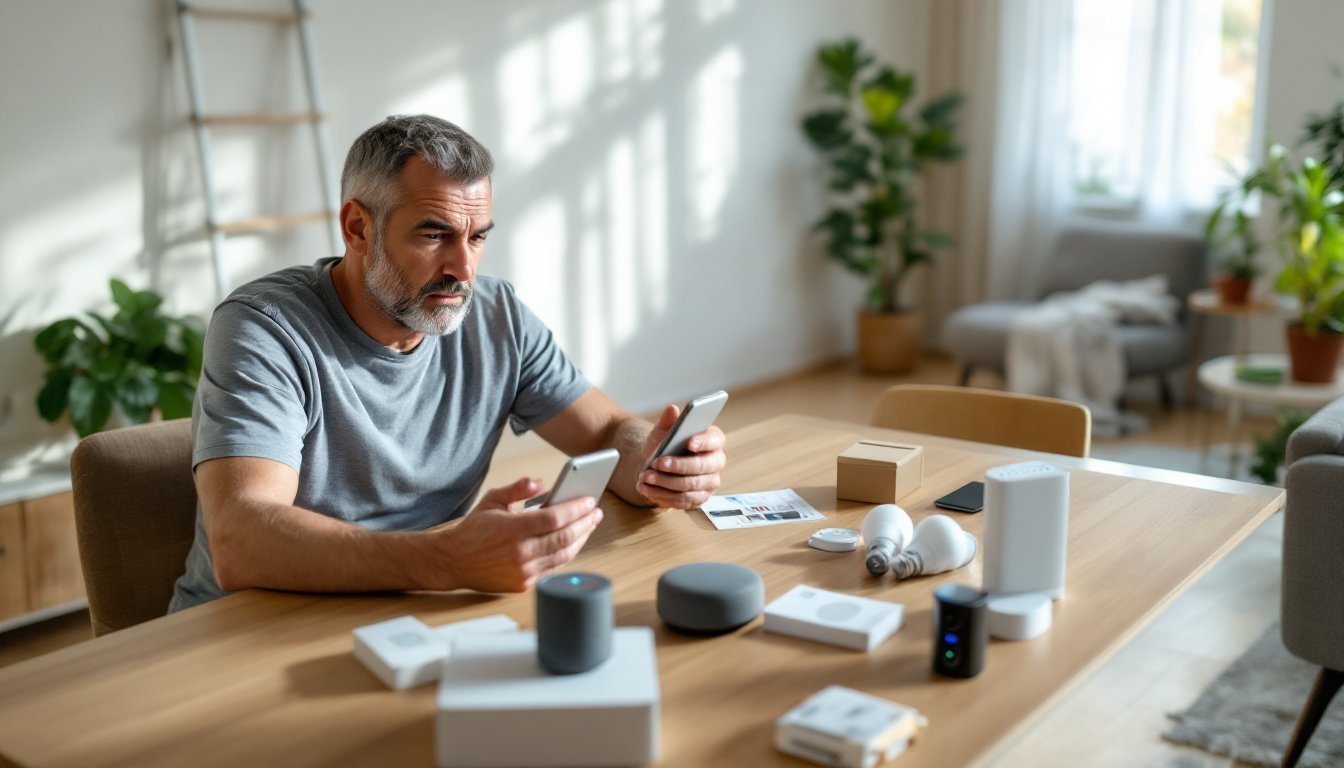
Smart home technology promises convenience, energy savings, and a futuristic living experience. But anyone who’s installed a smart thermostat that won’t connect, wrestled with competing ecosystems, or stared at a frozen app knows the reality isn’t always seamless. The challenges are real, compatibility headaches, security risks, connectivity dropouts, and hidden costs that pile up fast. This guide walks through the most common obstacles homeowners face with connected devices in 2026 and offers practical solutions to troubleshoot, plan smarter, and avoid expensive mistakes.
Table of Contents
ToggleKey Takeaways
- Smart home challenges like compatibility issues, security risks, and connectivity problems are manageable through careful planning and the adoption of universal standards like Matter.
- Prioritize network upgrades to Wi-Fi 6 routers and mesh systems to support 30+ connected devices reliably without dropped connections or freezing issues.
- Implement security best practices immediately: change default passwords, enable two-factor authentication, segment your IoT network, and choose devices with WPA3 encryption to protect against breaches.
- Anticipate hidden costs beyond device sticker prices—account for hubs ($50–$150), router upgrades, subscription fees, and potential electrical work when budgeting a smart home setup.
- Start small and expand gradually, focusing on one room at a time, clear device naming, and reading full manuals to avoid configuration errors and overwhelm.
- Enable auto-updates, test automations monthly, and maintain spare batteries for door sensors to prevent security gaps and system failures over time.
Compatibility Issues Between Different Smart Devices
The biggest frustration in home automation is getting devices from different manufacturers to talk to each other. A Zigbee door lock won’t pair with a Z-Wave hub, and a Wi-Fi bulb from one brand may refuse commands from another brand’s controller. Each ecosystem, Google Home, Amazon Alexa, Apple HomeKit, Samsung SmartThings, has different protocols and certification requirements.
Matter, the new universal standard launched in late 2022 and gaining traction through 2026, aims to solve this. Devices certified as Matter-compatible can communicate across platforms using a unified protocol over Wi-Fi, Thread, or Ethernet. But adoption is still incomplete. Many older devices lack firmware updates to support Matter, and some manufacturers are slow to certify new products.
Before buying, check which hub or ecosystem the homeowner already uses. If they’ve invested in Alexa, prioritize devices with Works with Alexa certification. For Apple users, look for the HomeKit badge. If building from scratch, starting with smart home tech tools that support Matter gives the most flexibility and future-proofs the system.
Use a central hub or controller that bridges multiple protocols. SmartThings, Hubitat, and Home Assistant can integrate Zigbee, Z-Wave, and Wi-Fi devices under one roof. This adds complexity but solves compatibility issues without replacing gear. Keep documentation for each device’s protocol and firmware version, it saves hours when troubleshooting connectivity later.
Privacy and Security Concerns with Connected Devices
Every smart device is a potential entry point for hackers. Cameras, locks, thermostats, and even light bulbs collect data, usage patterns, voice recordings, video feeds, location info, and transmit it to cloud servers. In 2025 alone, multiple vulnerabilities in popular smart cameras and doorbells were exploited, giving unauthorized access to live feeds.
Encryption is non-negotiable. Choose devices that use WPA3 encryption for Wi-Fi and TLS 1.2 or higher for cloud communication. Avoid products that transmit data unencrypted or store passwords in plain text (check product security reviews and CVE databases before purchase).
Change default passwords immediately. Most breaches happen because users leave factory credentials like “admin/admin” active. Use a password manager to generate and store unique, complex passwords for each device and app. Enable two-factor authentication (2FA) on all accounts that support it, especially hubs, cameras, and locks.
Segment the network. Set up a separate guest VLAN or IoT network on the router so smart devices can’t access personal computers, NAS drives, or work laptops. Many modern routers (Netgear Orbi, Asus, UniFi) support this out of the box. It limits damage if one device is compromised.
Review privacy policies before installing. Some brands sell usage data to third parties. Research from Digital Trends highlights the importance of understanding data-sharing practices, especially for devices with microphones or cameras. If a product’s privacy terms are vague or overly broad, skip it.
Unreliable Wi-Fi and Connectivity Problems
Smart devices live or die by network stability. A single dropped packet can freeze a thermostat, miss a doorbell alert, or lock someone out of their own home. Most consumer routers struggle when managing 30+ connected devices simultaneously, especially older models using 2.4 GHz-only bands.
Upgrade to a Wi-Fi 6 (802.11ax) or Wi-Fi 6E router. These handle more simultaneous connections, reduce latency, and offer better range. Look for models with MU-MIMO (multi-user, multiple input, multiple output) and OFDMA (orthogonal frequency-division multiple access) to efficiently manage IoT traffic alongside phones and laptops.
Use a mesh system if the home is larger than 2,000 square feet or has concrete/brick walls that block signal. Systems like Eero, Google Nest Wifi, or TP-Link Deco blanket the space with overlapping nodes, reducing dead zones. Place nodes strategically, hallways, central rooms, and avoid putting them in closets or behind metal cabinets.
Separate 2.4 GHz and 5 GHz bands with distinct SSIDs. Most smart devices (locks, sensors, plugs) only connect to 2.4 GHz because it has better range, while phones and streaming boxes prefer 5 GHz for speed. Forcing devices onto the correct band prevents connection failures and improves overall performance. Many routers offer a combined SSID that auto-switches, but manual band assignment is more reliable for IoT.
Hardwire the hub if possible. If using a central controller like SmartThings or Hubitat, connect it via Ethernet instead of Wi-Fi. This removes one variable from the troubleshooting chain and ensures the hub always has a stable link to the router.
The Hidden Costs of Building a Smart Home
The sticker price on a smart device is rarely the full story. A $30 smart plug is cheap, until you need a $120 hub to make it work, a $200 router upgrade to handle the traffic, and a $10/month cloud subscription for remote access or video storage.
Subscription fees add up fast. Many cameras and doorbells require ongoing payments for cloud storage, advanced AI detection, or extended warranties. A Ring doorbell might cost $100 upfront but $40/year for video history. Multiply that across multiple cameras, and it’s $200+ annually. Some brands, Eufy, Reolink, offer local storage via microSD or NAS, eliminating recurring fees.
Hub costs vary by ecosystem. Basic Wi-Fi devices skip the hub, but Zigbee and Z-Wave require one. Entry-level hubs (Echo Plus, SmartThings) run $50–$100. Advanced controllers (Hubitat Elevation, Home Assistant on a Raspberry Pi) cost $100–$150 and need more technical know-how.
Electrical upgrades can be a surprise. Smart switches often require a neutral wire, which older homes (pre-1980s) may lack. Running new wire means opening walls, hiring an electrician, and permits, easily $500–$1,500 depending on the number of switches. Alternatives exist (Lutron Caseta uses a different wiring method, Shelly modules fit behind existing switches), but they’re not always cheaper.
Building a smart home from scratch in 2026, expect $2,000–$5,000 for a modest setup covering lighting, climate, security, and entertainment in a typical 1,800-square-foot home. That includes a quality router, hub, 10–15 devices, and installation costs if hiring help. High-end systems with whole-home audio, motorized shades, and integrated HVAC control can run $10,000+.
Overwhelming Setup and Steep Learning Curves
Unboxing a smart device is easy. Configuring it to work reliably with other gear, automations, and voice commands is where most people hit a wall. Each brand has its own app, setup flow, and terminology. Scenes, routines, automations, and groups all mean slightly different things depending on the platform.
Start small. Don’t try to automate the entire house in one weekend. Pick a single room, bedroom or living room, and add a smart bulb, plug, and speaker. Learn how they interact, create a basic automation (“turn off lights at bedtime”), and expand once comfortable. Rushing through setup leads to forgotten passwords, misconfigured devices, and frustration.
Read the quick-start guide and the full manual. The printed card in the box is often incomplete. Manufacturers bury important details, firmware update procedures, reset sequences, advanced settings, in PDFs available only on their support site. Download and skim them before installation.
Many smart home devices require strategies to integrate smoothly, especially when mixing brands. Watch setup videos from the manufacturer or trusted third-party channels (Shane Whatley, Smart Home Solver, Home Automation Guy on YouTube). Seeing someone walk through pairing, troubleshooting, and automation setup clarifies steps that written instructions gloss over.
Label everything. Use the app’s naming feature to assign clear, descriptive names: “Front Porch Light,” “Bedroom Outlet Left,” “Basement Motion Sensor.” Avoid defaults like “Light 1” or “Plug A.” Six months later, nobody remembers which device is which, and renaming 20 unlabeled gadgets is miserable.
Managing Software Updates and Device Maintenance
Smart devices need regular updates to patch security holes, fix bugs, and add features. But unlike phones or laptops, many IoT products don’t auto-update or notify users when updates are available. A vulnerability discovered in January might not get patched until the homeowner manually checks for firmware six months later.
Enable auto-update in every app and device setting where it’s offered. Google Nest, Ring, and most major brands push updates automatically if the feature is turned on. Smaller brands or older devices may require manual checking. Set a calendar reminder every three months to log into each app and run an update check.
Common smart home problems often stem from outdated firmware causing compatibility issues with newer app versions or hub software. If a device suddenly stops responding, check for updates before factory resetting or calling support.
Battery-powered devices need regular maintenance. Door/window sensors, motion detectors, and wireless cameras drain batteries faster in extreme temperatures or high-traffic areas. Keep spare CR2032, AA, or rechargeable lithium batteries (depending on the device) on hand. Low battery warnings in the app are easy to ignore, don’t. A dead sensor defeats the purpose of having it.
Periodically test automations and integrations. What worked last month might break after an update to the hub, app, or cloud service. Monthly spot-checks, trigger a motion sensor, test a voice command, verify a scheduled routine, catch failures before they matter (like discovering the garage door automation is broken only when leaving for vacation).
Unplug and reboot the hub or router quarterly. Like any computer, smart hubs benefit from a fresh start. Power cycle the router, hub, and any problematic devices. This clears memory leaks, refreshes connections, and often resolves mysterious glitches without deeper troubleshooting.
Conclusion
Smart home tech in 2026 offers real benefits, but only when homeowners go in with realistic expectations and a plan. Compatibility, security, connectivity, cost, complexity, and maintenance aren’t deal-breakers, they’re factors to manage. Start with a clear goal, research devices that fit the existing ecosystem, invest in solid network infrastructure, and build gradually. The result is a home that works smarter without constant troubleshooting or regret over wasted money on incompatible gadgets.