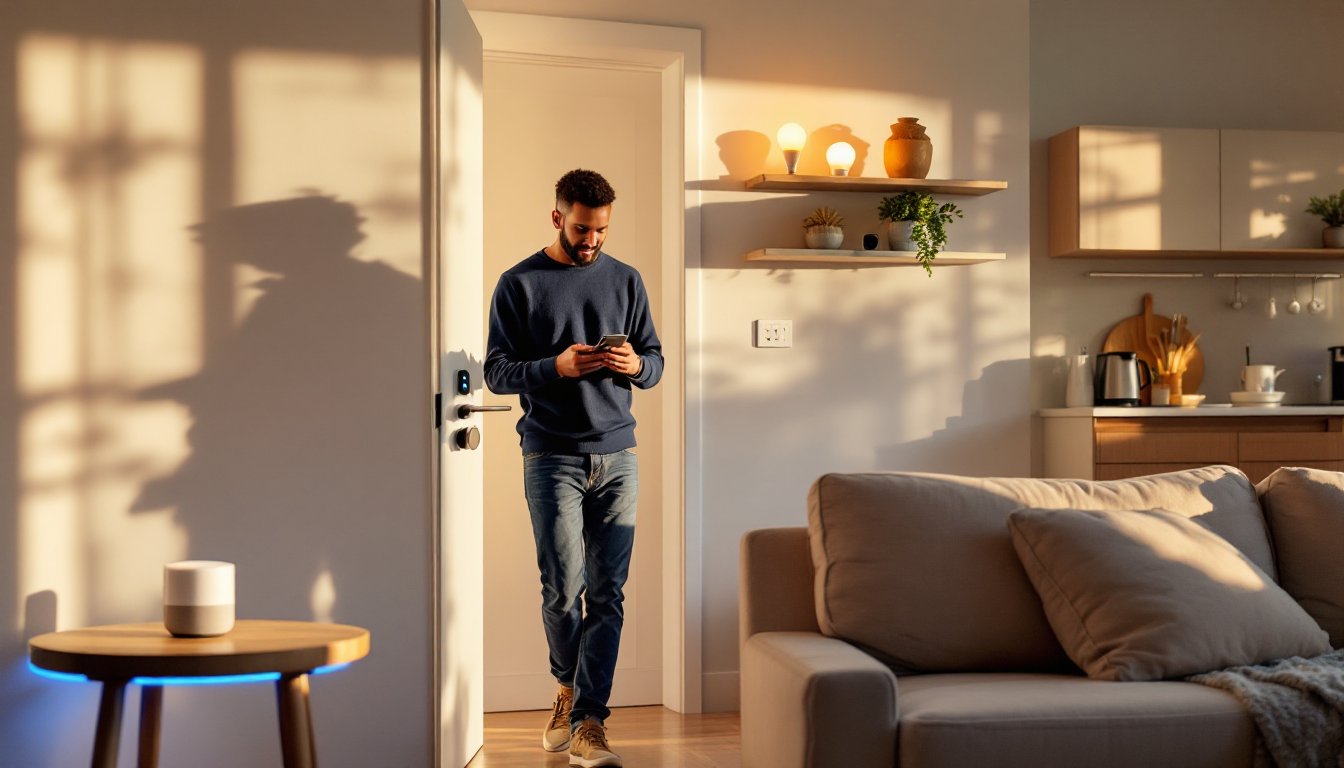
Renters often assume smart home technology is off-limits, too permanent, too complicated, or too risky for a security deposit. That’s no longer true. Modern smart devices are designed to be portable, adhesive-backed, or plug-and-play, meaning tenants can enjoy automated lighting, voice control, and enhanced security without drilling holes or rewiring outlets. The key is choosing products that install without modification and can move with the renter when the lease ends. This guide covers exactly which devices work in rental apartments and how to set them up without violating lease terms or damaging walls.
Table of Contents
ToggleKey Takeaways
- Smart home in rental apartments is completely achievable using plug-and-play, adhesive-backed, or portable devices that don’t require drilling or permanent modifications.
- Renter-friendly devices like smart bulbs, smart plugs, battery-powered cameras, and removable smart locks provide convenience, energy savings (cutting utility bills by 10-23%), and security without risking your security deposit.
- Start your smart home setup with a budget-friendly voice assistant hub (under $50) and prioritize high-impact devices like smart thermostats and bulbs before expanding to security systems.
- Always read your lease and ask the landlord in writing before installing anything; use Command strips and removable mounting tape instead of nails or screws, and save all original hardware for reinstallation.
- Test devices for Wi-Fi compatibility before permanently mounting them, and choose core functionality over premium features you won’t use to maximize both savings and practical value.
- When removing adhesive mounts, pull tabs straight down slowly to avoid damaging walls—documentation of original components and proper reinstallation are key to avoiding deposit disputes at move-out.
Why Renters Should Embrace Smart Home Technology
Smart home devices offer renters the same benefits homeowners enjoy, convenience, energy savings, and security, without the commitment. Unlike permanent fixtures, renter-friendly smart tech installs in minutes and removes just as quickly.
Energy costs in rental units can add up, especially when landlords provide outdated appliances or poor insulation. Smart plugs, thermostats, and lighting let tenants monitor and reduce consumption without rewiring anything. Many smart thermostats, for example, learn heating and cooling patterns and adjust automatically, cutting utility bills by 10-23% according to data from Digital Trends.
Security is another major draw. Renters can’t install hardwired alarm systems, but battery-powered cameras, smart locks that fit over existing deadbolts, and door/window sensors provide real-time alerts without drilling a single hole. These devices also move easily to the next apartment, protecting the initial investment.
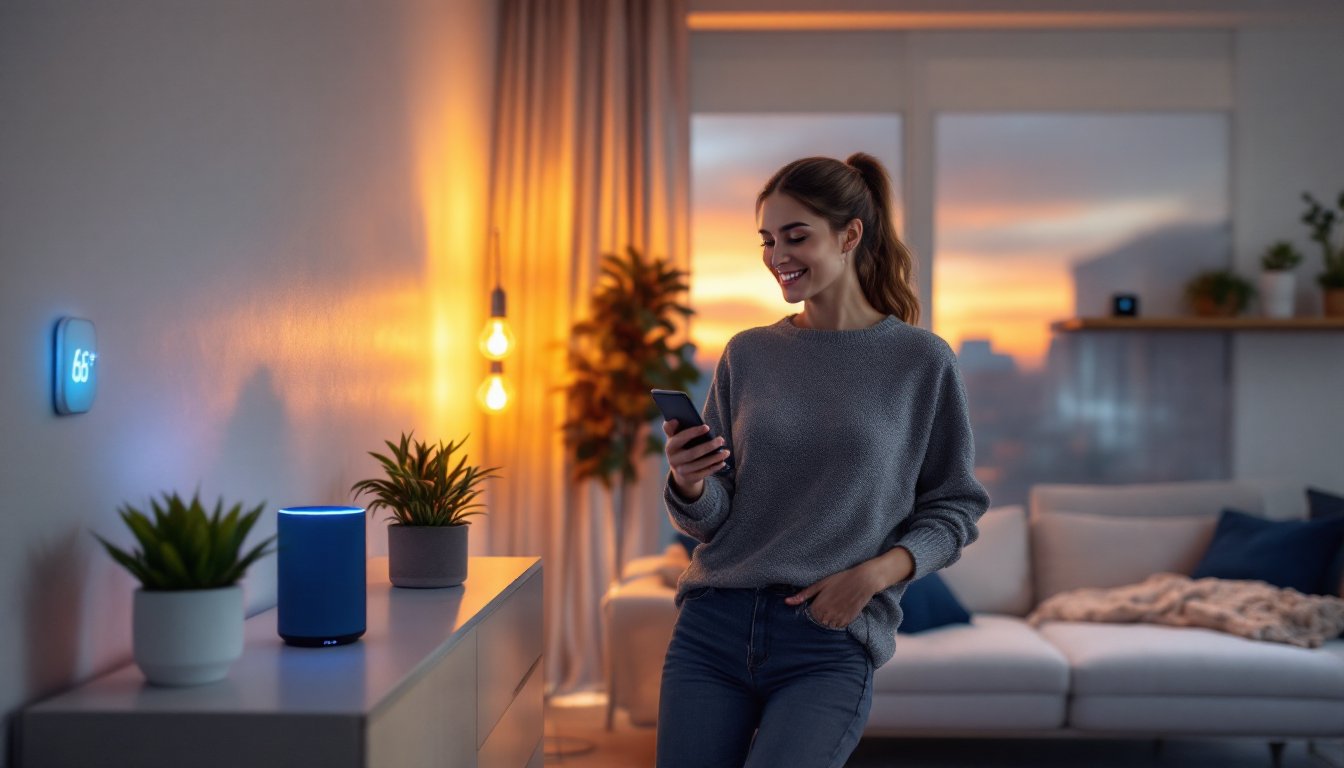
Finally, smart home technology increases quality of life. Voice assistants handle everything from setting timers to controlling music, while smart plugs turn any lamp into a remotely controlled fixture. For renters juggling work, errands, and tight schedules, automation eliminates small daily friction points.
Choosing Renter-Friendly Smart Devices That Don’t Require Installation
The best smart devices for apartments share three traits: no hardwiring, no permanent adhesive, and compatibility with existing infrastructure. Stick to products that plug into standard outlets, run on batteries, or use removable mounting solutions like Command strips.
Smart Lighting Solutions for Apartments
Smart bulbs are the simplest upgrade. They screw into existing fixtures, connect via Wi-Fi or a hub like Philips Hue Bridge, and offer dimming, color changes, and scheduling through a smartphone app. No switch replacement needed. Look for A19 bulbs for standard lamps and BR30 bulbs for recessed cans. Most cover 800-1,100 lumens (equivalent to a 60-75W incandescent) and last 15,000-25,000 hours.
Smart plugs add automation to non-smart lamps and appliances. Plug one into a wall outlet, connect a lamp or fan, and control it remotely. Models from TP-Link, Kasa, and Wyze cost $10-25 and support voice commands through Alexa or Google Assistant. They’re also great for managing power-hungry devices, schedule a space heater to turn off after two hours or cut phantom drain from a TV.
For overhead lighting without smart bulbs, portable smart lamps and light strips work well. Adhesive-backed LED strips mount to desks, shelves, or headboards using low-tack backing that peels off cleanly. Just avoid mounting on textured or freshly painted walls, which can pull paint when removed. Modern smart home tech strategies emphasize layering multiple light sources for flexibility.
Portable Smart Security and Entry Systems
Smart locks designed for renters fit over the existing deadbolt without removing hardware. The August Smart Lock and Wyze Lock mount on the interior side using an adapter plate, leaving the exterior keyhole untouched. Installation takes about 10 minutes with a screwdriver. These locks support keyless entry, temporary guest codes, and auto-lock features, all while preserving the landlord’s key access.
Battery-powered cameras eliminate the need for wiring or drilling. The Wyze Cam v3 and Blink Mini sit on shelves or mount with included adhesive pads. Both offer 1080p video, night vision, and motion alerts. For doorbell cameras, look for models like the Ring Peephole Cam, which replaces a standard peephole without altering the door.
Door and window sensors provide perimeter monitoring without permanent installation. These two-piece magnetic sensors stick to frames using 3M VHB tape and trigger alerts when opened. Pair them with a hub like Samsung SmartThings or use standalone models from Apartment Therapy-recommended brands like Wyze or SimpliSafe, which offer contract-free monitoring.
Setting Up Your Smart Home Ecosystem on a Budget
Building a connected apartment doesn’t require a four-figure investment. Start with a voice assistant hub, Amazon Echo Dot or Google Nest Mini both retail under $50 and serve as the control center for compatible devices. Choose based on existing ecosystem preferences (Amazon for shopping integration, Google for Calendar and Gmail sync).
Next, prioritize devices by impact. A smart thermostat (if the landlord allows swapping it temporarily) and two to four smart bulbs deliver immediate returns in comfort and energy savings for under $150 total. Add a smart plug or two for lamps and small appliances, then expand to security devices as budget allows.
Many smart home devices tools work together through platforms like IFTTT (If This Then That) or manufacturer ecosystems. For example, a Wyze motion sensor can trigger a TP-Link smart plug to turn on a lamp, no hub required if both devices support the same protocol. Stick to Wi-Fi-based devices to avoid needing a Zigbee or Z-Wave hub, unless planning a large system.
Buy refurbished or wait for sales. Smart bulbs, plugs, and cameras regularly drop 20-40% during Black Friday, Prime Day, and other retail events. Refurbished units from manufacturer stores (like Amazon Renewed) often carry warranties and cost significantly less than new models.
Consider which features actually matter. A $200 smart lock with fingerprint scanning isn’t necessary if keyless phone entry and guest codes meet the need. Similarly, a $30 smart bulb with millions of color options offers no real advantage over a $15 dimmable white bulb for most renters. Stick to core functionality and skip premium features that won’t be used. Exploring smart home tech ideas online can help prioritize spending.
Installation Tips That Won’t Damage Walls or Violate Your Lease
Read the lease carefully before installing anything. Some agreements explicitly prohibit alterations, while others allow changes if restored at move-out. If uncertain, ask the landlord in writing, documentation protects both parties and provides a clear record.
For adhesive mounts, use Command strips or removable mounting tape rated for the device’s weight. Standard Command strips hold 1-5 pounds, while heavy-duty versions support up to 16 pounds. Clean the surface with rubbing alcohol before applying adhesive to ensure a strong bond. When removing, pull the tab straight down slowly, yanking at an angle tears paint.
Avoid using nails, screws, or toggle bolts on drywall without explicit permission. If mounting is essential (like a camera in a high-traffic area), consider tension rods in doorways or clamp-on shelf mounts that require no wall penetration. Some smart cameras include magnetic mounts that stick to metal door frames or appliances.
For smart thermostats, check if the existing unit is hardwired or battery-powered. Hardwired models connect to HVAC systems and may require landlord approval to replace, even temporarily. Battery-powered units like the Honeywell Home T9 are easier to swap but less common. Document the original thermostat’s wiring with photos before disconnecting anything, this ensures correct reinstallation at move-out.
Keep all original hardware. Store the landlord’s lightbulbs, thermostat, and any other replaced components in a labeled box. Reinstalling them before the final walkthrough avoids disputes and ensures full deposit return. Many renters have successfully integrated top smart home tech without losing deposits by following this simple practice.
Test devices before committing to adhesive. Plug in smart bulbs, cameras, and hubs to confirm they work as expected. Some devices require strong Wi-Fi signals or specific router settings (2.4 GHz networks for most smart plugs and bulbs). If connectivity is weak, consider a Wi-Fi extender rather than relocating devices to inconvenient spots. Reviews on CNET often highlight compatibility and setup issues before purchase.
Conclusion
Smart home technology fits rental living perfectly when chosen and installed correctly. Prioritize plug-and-play devices, use removable mounting solutions, and document every change made to the apartment. With a modest budget and careful planning, renters can enjoy automation, security, and energy savings without risking their security deposit or violating lease terms.