Building a smart home doesn’t require rewiring your entire house or a degree in computer science. The reality is simpler: a few well-chosen devices, a stable Wi-Fi network, and about an hour of setup time can transform how a homeowner interacts with lights, climate, and security. The confusion comes from marketing overload, every manufacturer promises seamless integration, but not all ecosystems play nice together. This guide cuts through the noise, focusing on the practical steps and essential gear that actually make daily life easier, not more complicated.
Table of Contents
ToggleKey Takeaways
- A simply smart home focuses on automating repetitive tasks with 3–5 core devices within a single ecosystem, avoiding gadget creep and complexity.
- Starting with a smart speaker, smart lighting, and a smart thermostat creates the biggest immediate impact on comfort and utility bills, with potential annual energy savings of 10–23%.
- Choose one platform (Amazon Alexa, Google Home, or Apple HomeKit) based on your existing tech and stick with it to avoid fragmented control and messy automation routines.
- Set up devices gradually over 2–3 weeks rather than all at once, installing one device at a time and testing it before moving forward.
- Prioritize Wi-Fi stability with a mesh network, skip unnecessary purchases, change default passwords, enable WPA3 encryption, and maintain physical backups for smart locks and manual thermostat controls.
- Newer devices with Matter certification reduce compatibility headaches and protect against future proprietary system obsolescence.
What Does a Simply Smart Home Mean?
A simply smart home prioritizes function over flashy features. It’s not about controlling every electrical outlet from a smartphone, it’s about automating the repetitive tasks that eat up mental bandwidth. Think lights that adjust based on time of day, thermostats that learn when occupants are home, and door locks that don’t require fumbling for keys.
The “simply” part matters. Instead of installing dozens of incompatible gadgets, a streamlined smart home focuses on three to five core devices that work within a single ecosystem, usually Amazon Alexa, Google Home, or Apple HomeKit. This approach avoids the chaos of juggling multiple apps and conflicting voice commands.
The key distinction: a simply smart home solves real problems. If someone’s constantly adjusting the thermostat, a smart model pays for itself in energy savings. If they forget to lock the door, a smart deadbolt offers peace of mind. But adding a Wi-Fi-connected toaster just because it exists? That’s gadget creep, not smart living.
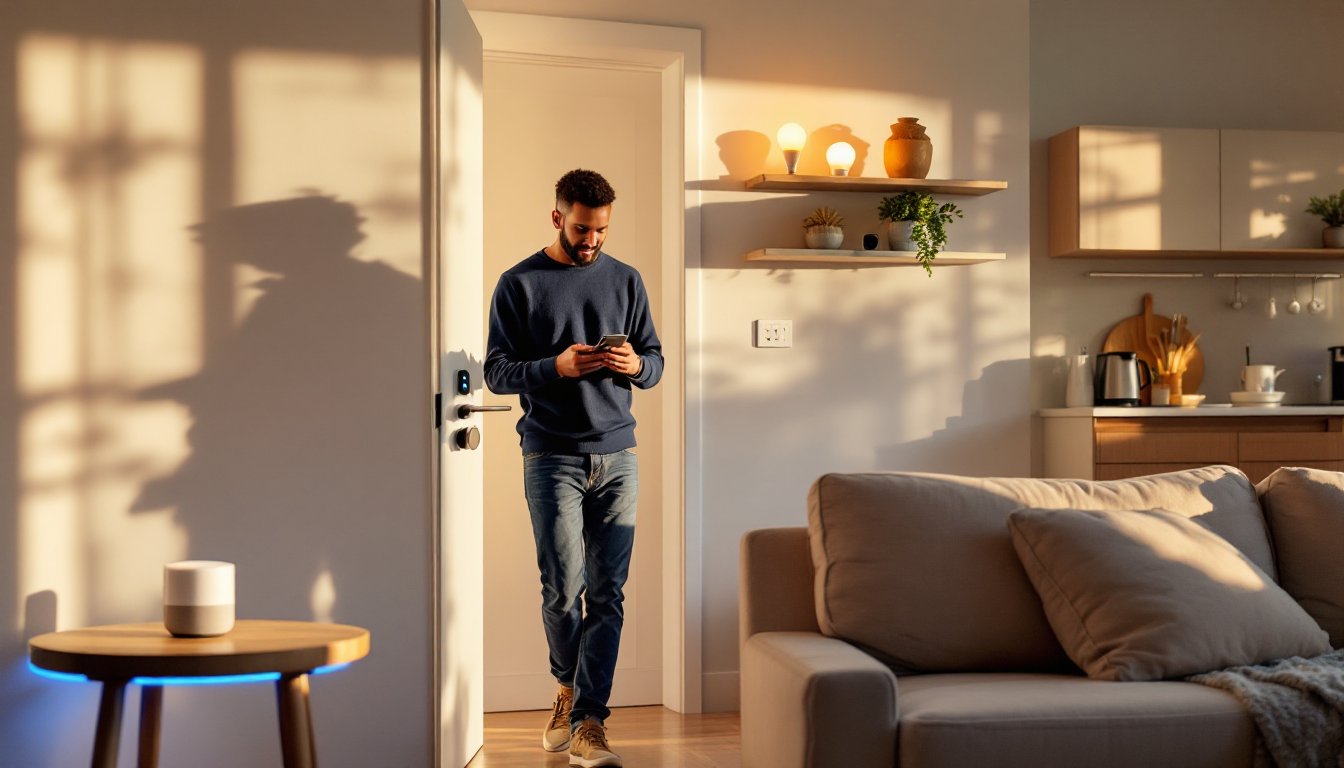
Most smart home automation strategies emphasize starting small and expanding based on actual needs. A living room setup might include one smart speaker, one lighting system, and one thermostat, all controlled through voice or a single app. From there, homeowners can add devices as they identify friction points in their routine.
Essential Smart Devices to Start Your Smart Home Journey
Smart Speakers and Voice Assistants
Smart speakers serve as the central hub for most beginner setups. The three dominant platforms in 2026 are Amazon Echo (Alexa), Google Nest (Google Assistant), and Apple HomePod (Siri). Each has strengths: Alexa supports the widest range of third-party devices, Google Assistant excels at answering questions and integrating with Google services, and HomeKit offers tighter privacy controls but fewer compatible products.
Choosing one speaker dictates the ecosystem. Mixing platforms works in theory, but it fragments control, voice commands won’t carry across systems, and automation routines get messy. Most DIYers should pick based on existing tech: Android phone users lean Google, iPhone users lean Apple, and those with Fire TVs or Ring doorbells lean Amazon.
Entry-level models like the Echo Dot (5th Gen) or Nest Mini cost $50 or less and handle basic tasks, playing music, setting timers, controlling lights. Upgrading to a model with a display, like the Echo Show 8 or Nest Hub, adds visual feedback for recipes, security camera feeds, and doorbell alerts. According to CNET’s 2026 smart home rankings, voice assistants remain the most popular entry point for new adopters.
One practical tip: place the first speaker in the room where the homeowner spends the most time, usually the kitchen or living room. From there, expansion to bedrooms or garages makes more sense.
Smart Lighting and Thermostats
Smart bulbs are the easiest retrofit. Philips Hue, LIFX, and Wyze bulbs screw into standard fixtures and connect via Wi-Fi or a hub. Hue requires a Hue Bridge (a small device that plugs into the router) but offers rock-solid reliability and extensive color options. LIFX bulbs connect directly to Wi-Fi, skipping the hub, but some users report occasional dropout on crowded networks.
For spaces with multiple bulbs on one switch, like a dining room chandelier, consider smart switches instead. A Lutron Caséta dimmer or TP-Link Kasa switch replaces the existing wall switch and controls all bulbs at once. Installation requires basic electrical work: turn off the breaker, remove the old switch, connect the new one to the line and load wires (usually black and white, plus a ground), and secure it in the box. If the home’s wiring doesn’t include a neutral wire (common in pre-1980s construction), opt for a model like Lutron Caséta that doesn’t require one.
Smart thermostats like the Google Nest Learning Thermostat or Ecobee SmartThermostat replace traditional models and can cut heating and cooling costs by 10–23% annually, according to EPA Energy Star data. Installation is straightforward for most systems: remove the old thermostat faceplate, label the wires (usually R, W, Y, G, and C), disconnect them, mount the new backplate, reconnect the wires to matching terminals, and snap on the display.
The C-wire (common wire) powers the thermostat continuously. Many older systems lack one, but both Nest and Ecobee include workarounds, an adapter that taps into the furnace’s transformer. If the HVAC system is a heat pump, multi-stage, or uses unusual wiring, double-check compatibility on the manufacturer’s site before buying. Some configurations require a licensed HVAC tech to install.
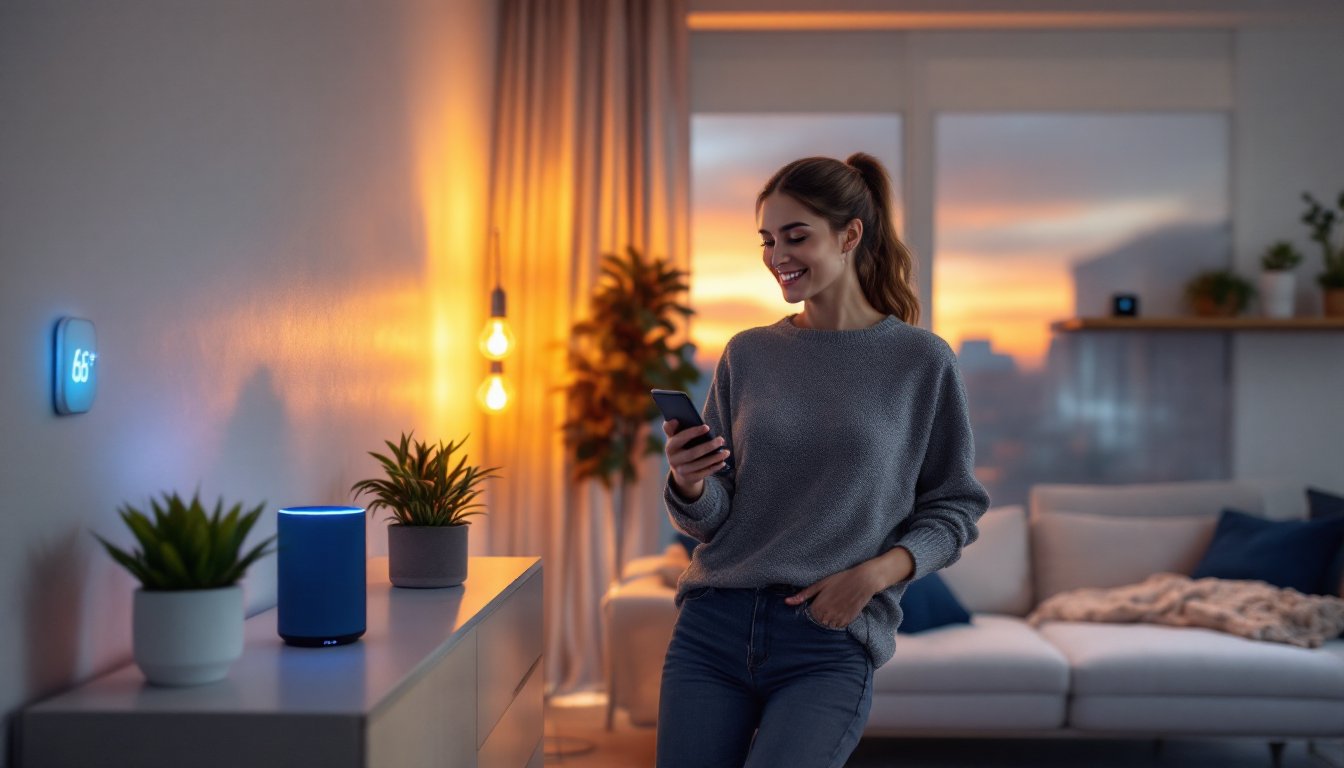
Many homeowners find that combining connected lighting and climate devices creates the biggest immediate impact on comfort and utility bills.
How to Set Up Your Smart Home Without Overwhelm
Start by auditing the home’s Wi-Fi coverage. Smart devices demand stable connectivity, and dead zones kill functionality. A single router may not cover a multi-story house, consider a mesh system like Eero, Google Nest Wifi, or TP-Link Deco to blanket the space. Mesh nodes communicate with each other, eliminating dropouts in far bedrooms or basements.
Next, pick one ecosystem and stick with it. Trying to integrate Alexa, Google, and HomeKit simultaneously adds complexity without benefit. Choose based on existing devices and preferences, then verify that any new purchase lists compatibility with that platform on the box.
Setup sequence matters:
- Install the smart speaker first. Download the corresponding app (Alexa, Google Home, or Apple Home), create an account, and connect the speaker to Wi-Fi.
- Add one device at a time. Install a smart bulb, open its app, follow pairing instructions, then link it to the voice assistant. Test it with a voice command before moving to the next device.
- Create simple routines. Most platforms allow automation like “Good Morning” (lights on, thermostat to 68°F, news briefing) or “Goodnight” (lights off, doors locked, thermostat to 65°F). Start with one or two routines instead of trying to automate everything at once.
Many beginners buy a dozen devices, install them in a weekend, and end up frustrated. A better approach: spend two weeks with just a speaker and lights. Learn the voice commands, troubleshoot quirks, then add the thermostat. Wait another week, assess what’s working, then expand to locks or cameras.
For those new to connected home setups, starting with widely supported devices reduces compatibility headaches. Digital Trends’ 2026 buyer’s guide emphasizes choosing products with Matter certification, a new interoperability standard that ensures devices from different brands work together without platform lock-in.
Placement tips:
- Routers and hubs should sit centrally, elevated on a shelf, not hidden in a closet.
- Smart speakers work best on hard surfaces away from walls (sound reflects oddly in corners).
- Motion sensors and cameras need line-of-sight to key areas, don’t mount them behind furniture.
Document usernames, passwords, and device serial numbers in a notebook or password manager. When troubleshooting at 11 p.m. because the lights won’t respond, that info saves a lot of frustration.
Common Mistakes to Avoid When Building Your Smart Home
Overbuying at the start. The biggest mistake is loading a cart with every smart plug, sensor, and camera on sale. Half of those gadgets will sit unused because they don’t fit the household’s actual workflow. Buy for specific pain points: if the porch light gets left on overnight, add a smart bulb or switch for that fixture. If the garage door is never locked, install a smart opener. Resist the urge to automate things that already work fine.
Ignoring network security. Every connected device is a potential entry point. Change default passwords on all gadgets and the router. Enable WPA3 encryption on the Wi-Fi network (or WPA2 if the router doesn’t support WPA3). Set up a guest network for smart devices, isolating them from computers and phones that hold sensitive data. Most routers allow this in the admin settings under “Guest Network” or “IoT Network.”
Skipping firmware updates. Manufacturers release updates to patch security holes and fix bugs. Enable automatic updates in each device’s app, or set a monthly calendar reminder to check manually. Ignoring updates can leave devices vulnerable or cause them to stop working when the platform updates.
Mixing incompatible protocols. Some devices use Zigbee or Z-Wave instead of Wi-Fi. These require a compatible hub, like a SmartThings Hub or Hubitat Elevation, to function. Buying a Z-Wave lock without realizing the current setup is all Wi-Fi and Alexa means either returning the lock or buying an extra hub. Check the fine print before purchasing.
Not testing range before permanent installation. A smart doorbell that constantly disconnects because it’s 60 feet from the router and through two brick walls is useless. Test devices in their intended location before drilling holes or running screws. If the signal is weak, add a mesh node or Wi-Fi extender nearby.
Neglecting backups and manual overrides. Smart devices fail, apps crash, servers go down, internet outages happen. Every smart lock should have a physical key backup. Every smart thermostat should allow manual adjustment on the unit itself. Don’t create a situation where a dead phone battery means freezing in a locked-out house.
According to Tom’s Guide’s 2026 smart home overview, one of the most common regrets among early adopters is buying proprietary systems that later became unsupported. Choosing devices that support open standards like Matter or have strong manufacturer track records reduces the risk of ending up with expensive paperweights.
Another frequent error: assuming every device needs its own app. Consolidate control through the voice assistant’s app whenever possible. Philips Hue has its own app with advanced features, but for most users, controlling bulbs through the Alexa or Google Home app is simpler and keeps everything in one place.
Finally, underestimating power requirements. Battery-powered devices like smart locks and sensors need regular replacement, usually every 6–12 months depending on usage. Video doorbells and outdoor cameras often require wired power or frequent recharging. Plan for maintenance, or opt for wired versions where feasible.
Conclusion
A simply smart home isn’t about cramming tech into every corner, it’s about identifying the handful of tasks that waste time or energy and automating those. Start with a voice assistant, add lighting and climate control, test everything, and expand only when a clear need emerges. Stick to one ecosystem, secure the network, and keep devices updated. Done right, home automation fades into the background, handling the small stuff so homeowners can focus on everything else.