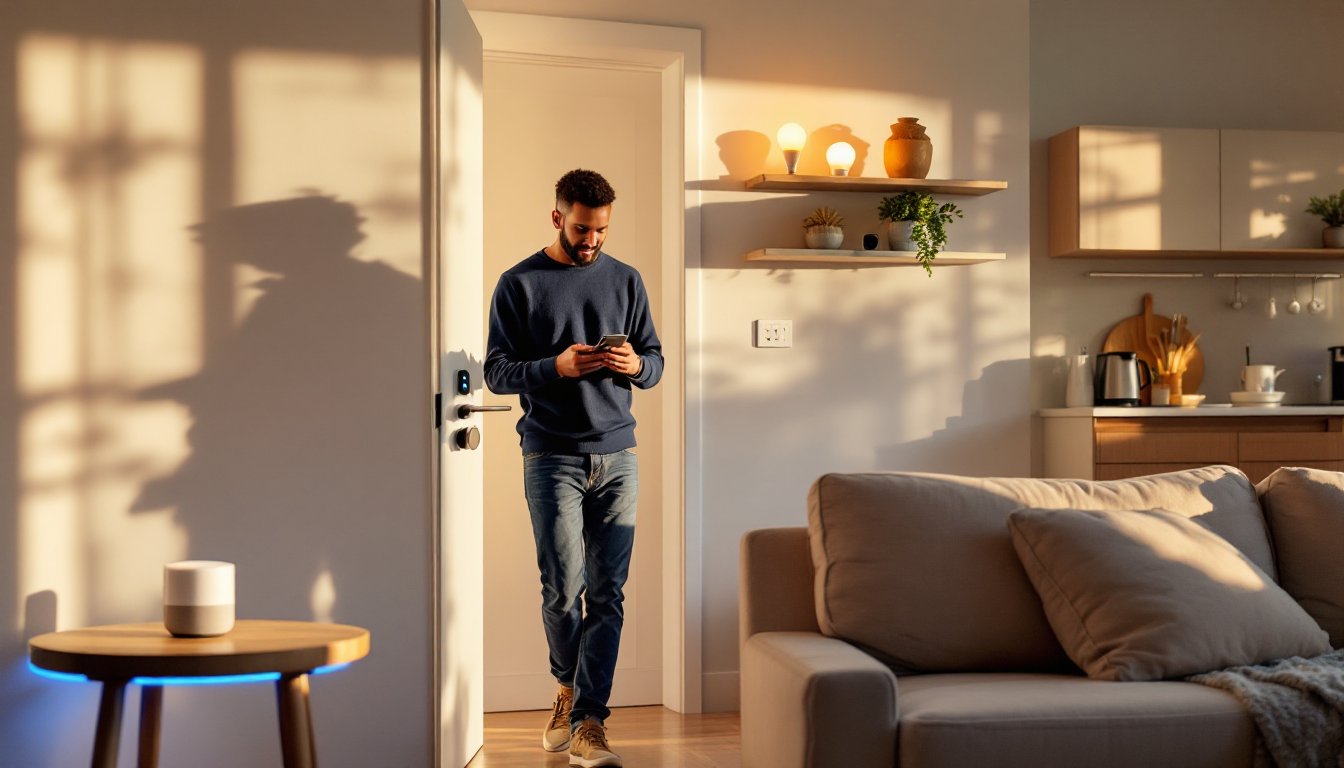
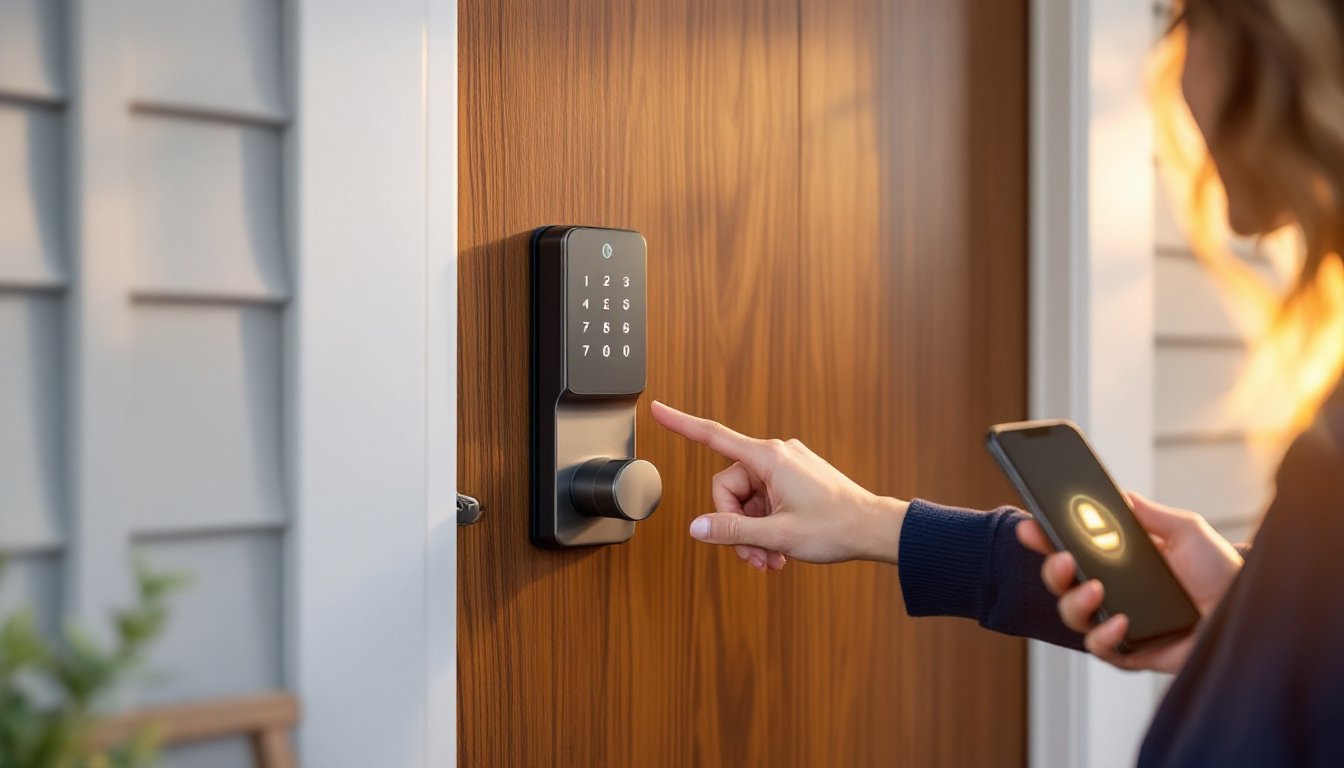
Smart locks have moved from luxury novelty to essential home security. With smartphone integration, remote access, and keyless entry, these devices let homeowners ditch fumbling with keys while gaining better control over who enters their property. But the market’s flooded with options ranging from $80 budget units to $400 premium systems, each with different compatibility, power sources, and installation requirements. Choosing the wrong one means wasting money on features you won’t use or wrestling with a retrofit that doesn’t fit your door prep. This guide cuts through the noise to identify the best smart locks for different use cases, from long-term homeowners tackling a full security upgrade to renters needing something that won’t damage their door frame.
Table of Contents
ToggleKey Takeaways
- The best smart lock for home balances remote access, activity tracking, and keyless entry with compatibility for your existing smart home ecosystem like Alexa or HomeKit.
- Measure your door’s backset and bore hole diameter before purchasing—most homes use 2-1/8″ bore holes and 2-3/8″ or 2-3/4″ backsets, and non-standard dimensions may require professional installation.
- Choose Wi-Fi connectivity for remote control while traveling or Bluetooth for proximity-only access with longer battery life, depending on how you plan to use the lock.
- Yale Assure Lock 2 offers the best overall balance for homeowners with Wi-Fi support, broad ecosystem compatibility, and DoorSense technology that prevents locked-but-ajar errors.
- Renters and first-time installers should consider clip-on models like August Wi-Fi Smart Lock, which install in under 10 minutes without tools or permanent door modifications.
- Verify keypad access and battery replacement accessibility based on your household needs—keypads cost $30–50 more but enable PIN-code entry for guests without smartphones.
What Makes a Smart Lock Worth the Investment?
A solid smart lock offers three core advantages over traditional deadbolts: remote access, activity tracking, and keyless entry. Remote access means unlocking the door from anywhere via smartphone app, useful when a contractor shows up early or a guest needs to grab something while you’re away. Activity tracking logs who unlocked the door and when, which beats wondering if your teenager actually made curfew. Keyless entry eliminates hiding spare keys under flower pots or worrying about lost key copies.
Beyond basics, compatibility determines how well the lock integrates with existing smart home ecosystems. Locks that work with smart home ecosystems like Amazon Alexa, Google Assistant, or Apple HomeKit allow voice commands and automation routines, such as automatically locking the door when the thermostat switches to “away” mode. Wi-Fi versus Bluetooth connectivity matters: Wi-Fi locks allow remote control from anywhere, while Bluetooth-only models require proximity (typically within 40 feet) but consume less battery.
Power source affects maintenance frequency. Most smart locks run on AA or CR123A batteries that last 6–12 months under typical use. Some premium models offer rechargeable lithium-ion packs or hardwired power with battery backup. Check battery alerts in the app, running out of juice shouldn’t lock you out, since all models include a physical keyhole or external power port for emergencies.
Installation complexity varies widely. Some smart locks replace only the interior thumb turn and deadbolt mechanism, leaving the exterior keyhole intact, these typically install in 15–30 minutes with a screwdriver. Full-replacement models swap both interior and exterior hardware and may require adjusting the door’s backset (the distance from door edge to the center of the bore hole, usually 2-3/8″ or 2-3/4″). If your door uses a non-standard bore diameter or mortise lock instead of a cylindrical deadbolt, professional installation may be necessary.
Security features separate toys from tools. Look for 256-bit AES encryption for app communication, auto-lock timers (the door locks itself after 30 seconds), and tamper alarms that sound if someone tries to force the mechanism. Some models include built-in cameras or DoorBell integration, though bundling these features often inflates cost without improving lock performance.
Top Smart Locks for Homeowners in 2026
Best Overall Smart Lock for Most Homes
Yale Assure Lock 2 with Wi-Fi balances features, reliability, and broad compatibility. It supports Wi-Fi (no hub required), works with Alexa, Google Assistant, and Apple HomeKit, and offers both touchscreen keypad and smartphone control. The lock replaces only the interior deadbolt, so the exterior maintains a traditional keyed cylinder, ideal if you want a backup physical key. Installation fits standard 2-1/8″ bore holes and 2-3/8″ or 2-3/4″ backsets without modification.
The auto-relock feature locks the door automatically after 30 seconds, and the app logs every unlock event with a timestamp and user name. Battery life averages 9–12 months on four AA batteries, with low-battery warnings starting at 20%. The touchscreen includes a privacy button that disables keypad entry from the outside while you’re home, useful for preventing unauthorized entry during the day.
One standout: Yale’s DoorSense technology uses a magnetic sensor to detect whether the door is fully closed before locking, preventing the frustrating “locked but ajar” scenario. According to extensive testing by industry reviewers, this feature alone reduces user errors that compromise security.
Installation takes 20–30 minutes with a Phillips screwdriver. You’ll need to remove the old deadbolt, align the Yale strike plate, and secure the interior assembly with the included mounting plate. The hardest part is threading the cable from the keypad through the door, take your time to avoid pinching wires.
Best Budget-Friendly Smart Lock Option
Wyze Lock delivers core smart lock functionality for under $90, making it the best entry point for budget-conscious homeowners. It’s a Bluetooth-only lock, meaning you need your phone within range to unlock remotely, though adding the optional Wyze Lock Gateway ($20) enables Wi-Fi control from anywhere.
The lock installs over your existing deadbolt’s interior thumb turn using a mounting plate and adhesive strips, no drilling, no replacing the cylinder. This approach works on rental properties where modifying hardware violates the lease. Installation takes 10–15 minutes and requires only the included Allen wrench. The trade-off: it looks bulkier than sleek retrofit models and won’t fit deadbolts with non-standard thumb turn shapes.
Wyze Lock includes auto-unlock (the door opens as you approach with your phone) and auto-lock after a set delay. The app tracks entry history and lets you share time-limited guest codes. Battery life runs 6–9 months on four AA batteries, slightly shorter than premium competitors due to Bluetooth polling frequency. Those exploring broader smart home automation setups will appreciate that Wyze integrates with Alexa and Google Assistant, though not HomeKit.
Skip Wyze Lock if you need a keypad for guests who don’t use smartphones, there’s no physical number pad option.
Best Smart Lock for Renters and Easy Installation
August Wi-Fi Smart Lock (4th Gen) installs in under 10 minutes without removing the exterior deadbolt hardware or even unscrewing the strike plate. It mounts directly onto the interior thumb turn using a tool-free adapter system. Renters can install it on move-in day and remove it without leaving marks when the lease ends.
The lock’s Wi-Fi connectivity eliminates the need for a separate hub, and it works with Alexa, Google Assistant, and Apple HomeKit. The auto-unlock feature uses your phone’s location to unlock the door as you walk up, genuinely hands-free, which beats fumbling for keys while carrying groceries. Auto-lock engages after a customizable delay (10 seconds to 30 minutes).
August includes DoorSense, a magnetic sensor that confirms the door is closed before locking. The app sends push notifications whenever the door is unlocked, locked, left open, or opened without unlocking (someone turned the knob without engaging the deadbolt). Battery life averages 4–6 months on two CR123A batteries, shorter than AA-powered rivals but still manageable.
The lock’s cylindrical design is bulkier than Yale’s low-profile models, and it only comes in silver or black finishes. But, for renters who can’t modify door hardware or homeowners who want the fastest install, August’s clip-on approach can’t be beaten. Smart home beginners often pair it with other connected devices for a cohesive ecosystem.
How to Choose the Right Smart Lock for Your Home
Start by measuring your door’s backset and bore hole diameter. Use a tape measure from the door’s edge to the center of the existing deadbolt hole (backset) and measure the hole’s diameter (typically 2-1/8″ for most residential doors). If your door has a mortise lock (common in older homes and apartments), you’ll need a mortise-compatible smart lock or professional retrofit, standard cylindrical smart locks won’t fit.
Check your door’s thickness. Most smart locks accommodate doors between 1-3/8″ and 1-3/4″ thick, but some models (like certain Schlage variants) handle up to 2″ with extension kits. Measure at the lock location, not at the edge or panel, since doors with decorative molding can vary.
Decide on connectivity type based on how you’ll use the lock. Choose Wi-Fi if you need remote control while traveling, want real-time notifications, or plan to integrate with home automation routines. Wi-Fi locks consume more battery but eliminate the need for a separate hub. Choose Bluetooth if you only need smartphone control within range and want longer battery life. Many smart home setups benefit from Wi-Fi for full integration.
Evaluate keypad versus app-only access. Keypads let guests or family members without smartphones enter using PIN codes, essential if you have young kids or frequent visitors. Touchscreen keypads offer a sleeker look but cost $30–50 more than non-keypad models. If you’re comfortable managing access entirely through smartphone apps and digital keys, skip the keypad to save money and reduce the lock’s footprint.
Compatibility with your existing smart home ecosystem matters if you already use Alexa, Google Assistant, or Apple HomeKit for lighting, thermostats, or cameras. Cross-platform locks work with multiple assistants, while HomeKit-exclusive models (like some August variants) limit flexibility but offer tighter iOS integration. According to tech analysts, compatibility issues remain a top frustration for smart lock buyers, so verify integration before purchasing.
Consider power source and battery replacement accessibility. Locks with easy battery access (typically a panel on the interior side secured with a thumbscrew) beat models requiring full disassembly. If you hate changing batteries, look for models with low-battery warnings that trigger at least two weeks before shutdown, or opt for rechargeable lithium-ion packs.
Finally, think about installation confidence. If you’ve replaced a deadbolt before, most retrofit smart locks install with similar steps: remove the old lock, align the new strike plate, secure the exterior and interior assemblies, and connect the battery. If terms like “latch bolt” and “tailpiece” sound foreign, consider a clip-on model like August or budget for professional installation ($75–150 depending on region and complexity). Attempting a retrofit without the right door prep can strip screws, misalign the latch, or leave gaps that compromise security. When in doubt, hire a licensed locksmith to ensure proper installation and verify the lock meets local building codes for egress (emergency exit requirements vary by jurisdiction but typically mandate that doors unlock from the inside without a key).
Conclusion
The right smart lock depends on your door hardware, rental situation, and how you plan to use it. Homeowners upgrading long-term security should invest in a Wi-Fi-enabled model with keypad access and broad smart home compatibility. Renters and DIYers tackling their first smart home project benefit from clip-on models that install without tools or permanent modifications. Whichever route you choose, proper measurement and honest assessment of installation skills prevent wasted money and frustration.